
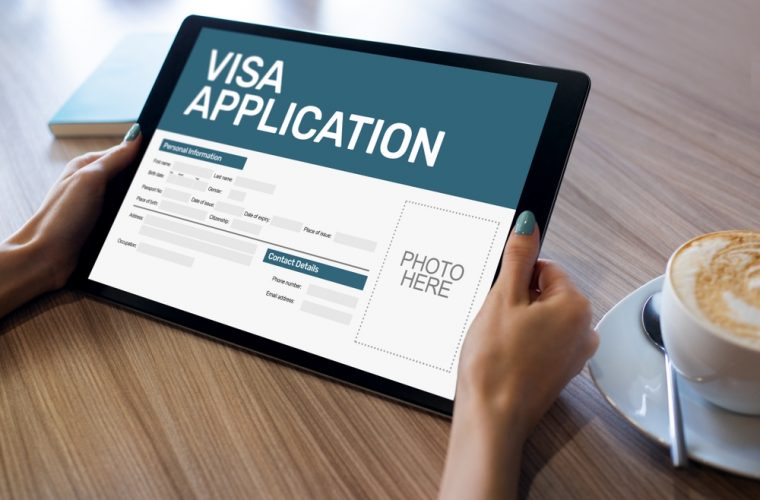
Online Visa Application System
Government of Pakistan has implemented and launched an online Visa Issuance System, called “Pakistan Online
Visa”.
This system allows the Foreign Nationals to apply for an online visa to visit Pakistan under various categories
(Business, Tourism, Study, Work, etc).
The guide covers the following steps;
- Create an account on the Pakistan Visa System
- Login to the Pakistan E-Visa System
- Complete the Application
- Pay the Fees
- Submit the Application
The Pakistan Online Visa System can be accessed by visiting the following link
https://visa.nadra.gov.pk/
How to apply for Visa?
The online application process at Pakistan Online Visa can be completed in 3 Easy Steps. Before starting your application, please go through the instructions for each step below:
Step 1: Preliminary Assessment
Choose your visa below and understand the eligibility and document requirements before you apply:
Step 2: Preparation
Please ensure that you are applying for the right visa as each visa has its own set of required documents. You must have the following on-hand before you begin your application:
- Complete set of supporting documents.
- Photograph up to 350KB captured as explained in the Photograph Tutorial.
- Valid Credit Card/Debit Card for online payment of your application fee.
Step 3: Online Application
When you are ready to apply, follow the steps outlined below:
- Click on the Apply Now button to launch the Pakistan Online Visa System.
- Create a New Account.
- Login to the Pakistan E-Visa System.
- Complete your application.
- Pay Fee through a Credit Card/Debit Card.
- Submit your Application.